Fungsi user management menggunakan Security Guard yang sudah dimodifikasi, terintegrasi di project template.
Cara setup user management:
- Create database user_management
- Import query dari App_Data/user_management.sql
- Login Security Guard menggunakan username superadmin, password rekadia123!
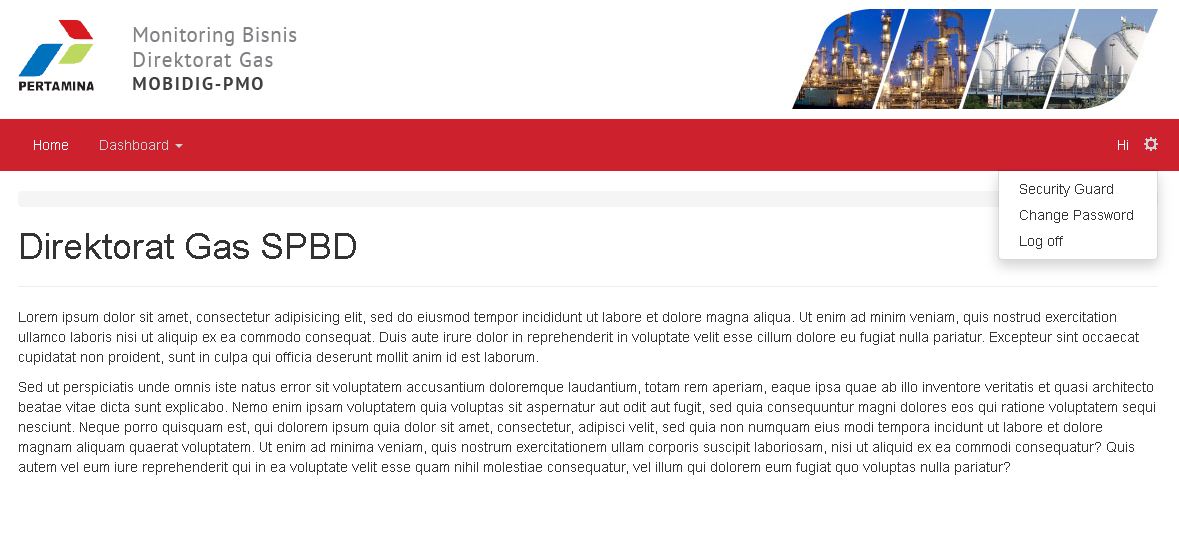
Fitur User Management:
1. Pengecekan hak akses Controller / Function by ModuleName
[code language=”csharp”]
public class HomeController : MyController
{
//
// GET: /Dashboard/
public ActionResult Index()
{
return View();
}
[AuthorizeUser(ModuleName = "Dashboard")]
public string TestAuthorize()
{
return "authorized";
}
}
[/code]
2. Menampilkan menu sesuai hak akses
[code language=”csharp”]
if((User as WebUI.Infrastructure.Concrete.CustomPrincipal).HasAccess("Dashboard"))
{
<li>
@Html.ActionLink("Test Authorize", "TestAuthorize", "Home", new { area = "" }, null )
</li>
}
[/code]
3. Lupa Password
Password baru secara default dikirim menggunakan smtp Gmail rekadia.id@gmail.com. Pengiriman email menggunakan MVC Mailer, setting dapat diubah di web.config bagian <system.net>
