Find this VM, click on its Subscription, select All the related resources, choose the object subscription ID and resource group (new one or existing one) to start migration. Resources will disappear for a while, and appear again with new subscription ID.
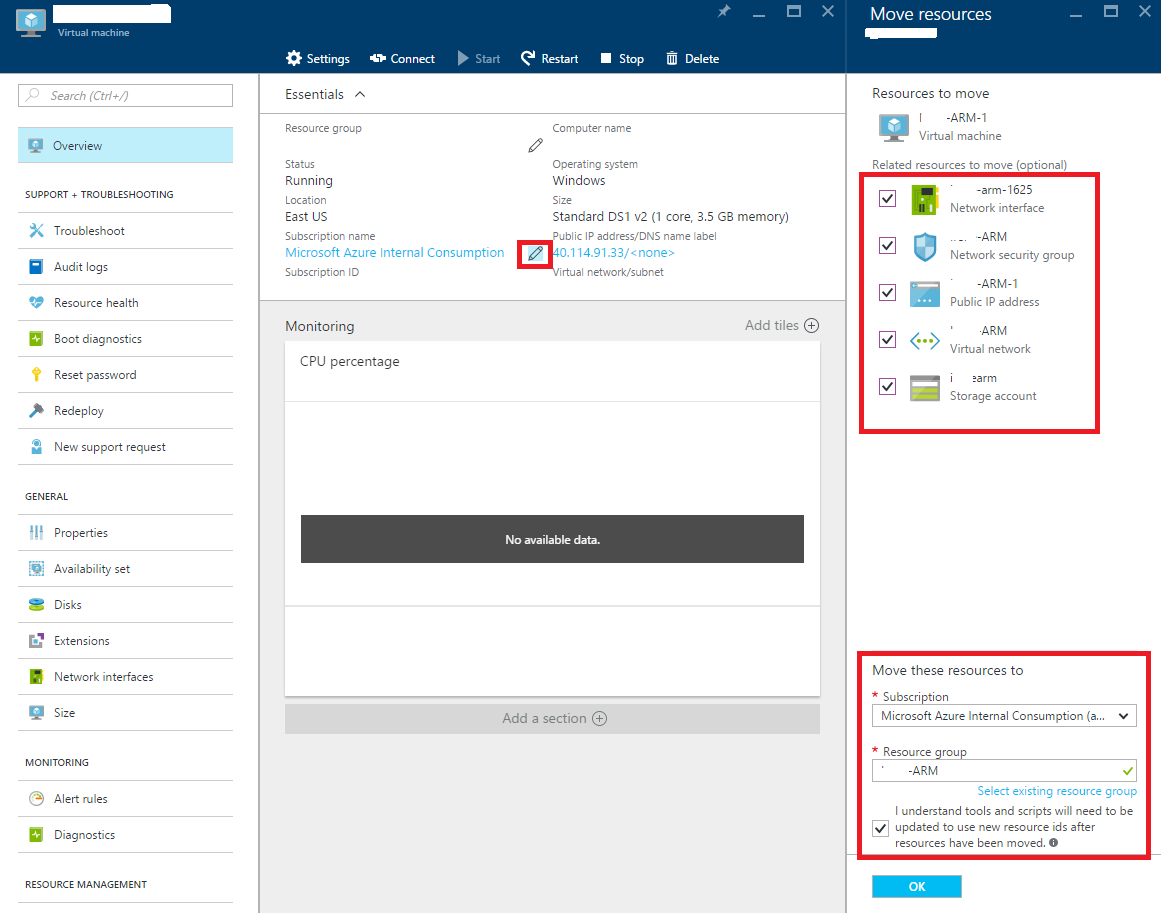
If migration failed with error message like “resource provider not registered”, that is because the destination sub ID is very new with no VM created before. We can resolve it by creating a new VM in that sub ID and remove the VM, the corresponding provider will be automatically registered during this operation.
