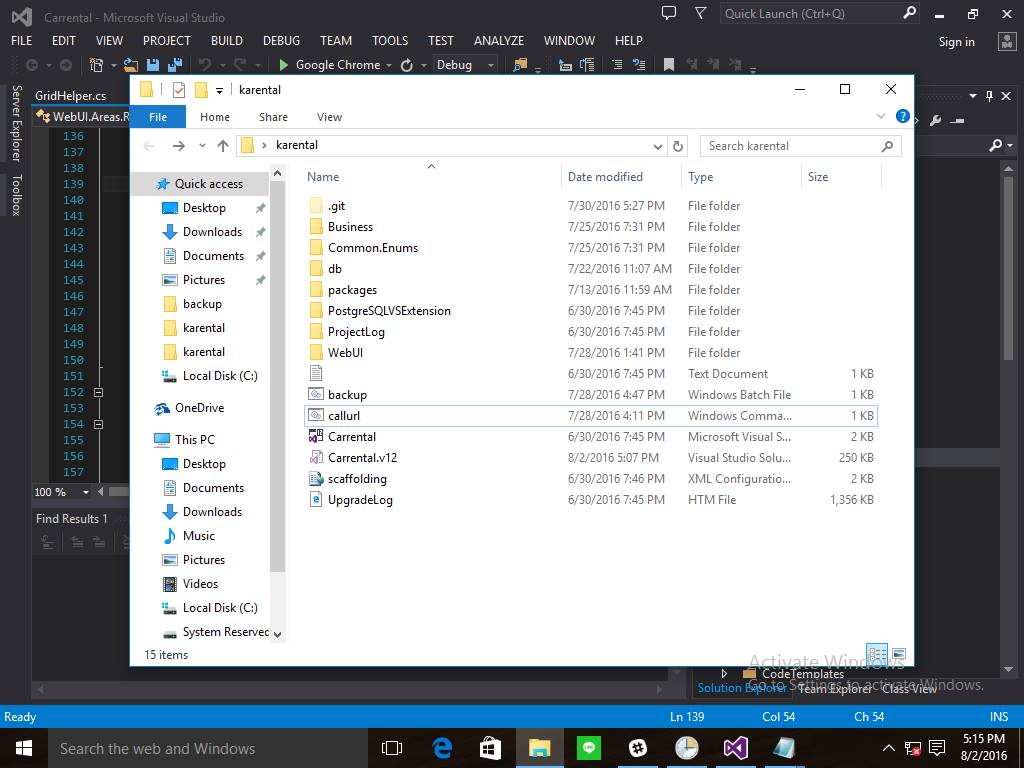
- Buat sebuah batch file ekstensi (.bat) untuk membuka URL tanpa membuka browser, cara membuatnya bisa melalui notepad dg mengetikkan script berikut “callurl <alamatUrl-backupdata>” misal : callurl http://localhost:1867/BackupDatabase/Backup
- Buat semual file ekstensi (.cmd) melalui notepad dg mengetikkan script berikut ini :
@if (@This==@IsBatch) @then @echo off rem **** batch zone ********************************************************* setlocal enableextensions disabledelayedexpansion rem Batch file will delegate all the work to the script engine if not "%~1"=="" ( wscript //E:JScript "%~dpnx0" %1 ) rem End of batch area. Ensure batch ends execution before reaching rem javascript zone exit /b @end // **** Javascript zone ***************************************************** // Instantiate the needed component to make url queries var http = WScript.CreateObject('Msxml2.XMLHTTP.6.0'); // Retrieve the url parameter var url = WScript.Arguments.Item(0) // Make the request http.open("GET", url, false); http.send(); // All done. Exit WScript.Quit(0); - simpan dalam satu folder bersama file backup (.bat) yang sudah anda buat pada point pertama.
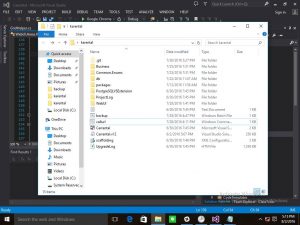
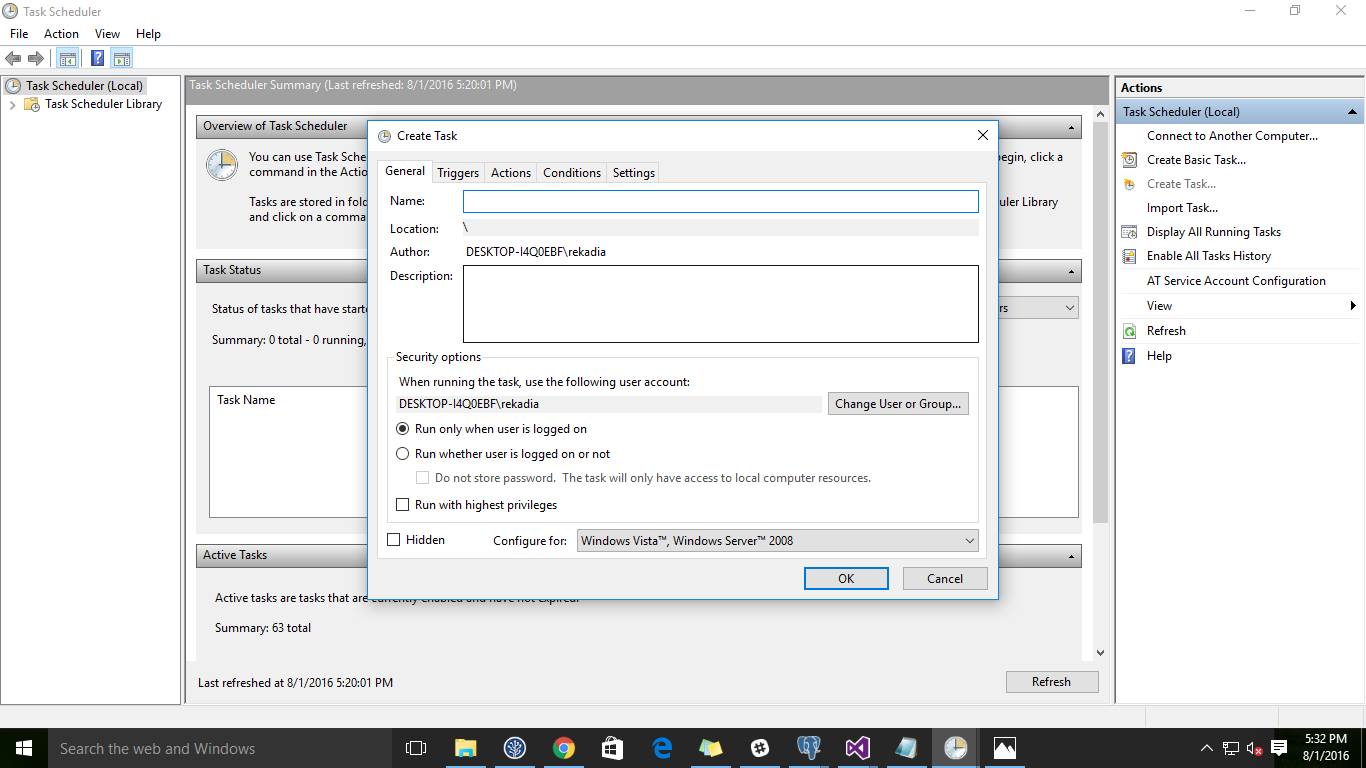
- setelah itu masuk ke windows scheduler, untuk lebih gampangnya ketikkan di search/run “Task Scheduler”
Kemudian pilih Create Basic Task
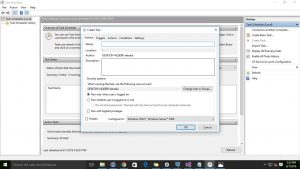
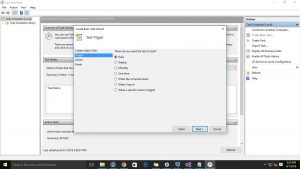
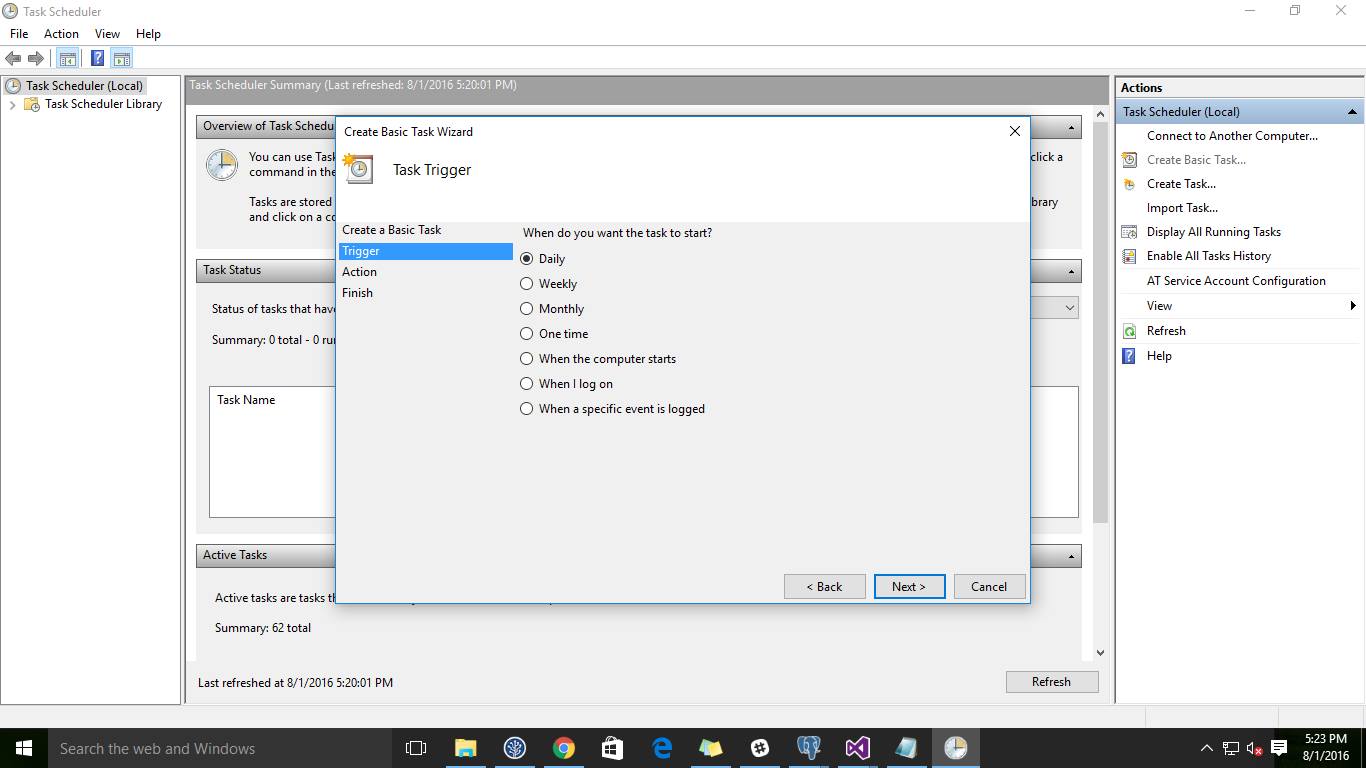
- Kemudian Pilih waktu schedulernya
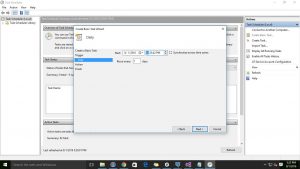
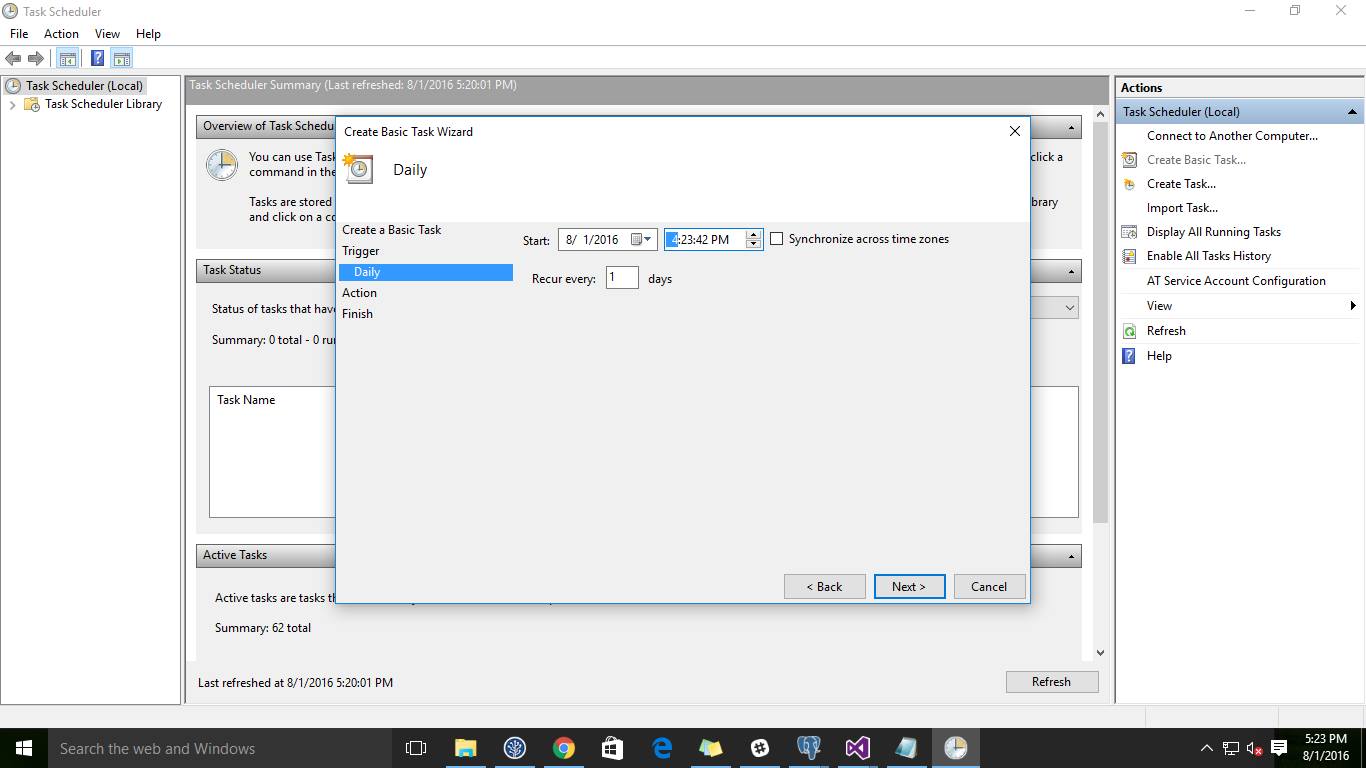
- Kemudian Settinga Jam Schedulernya
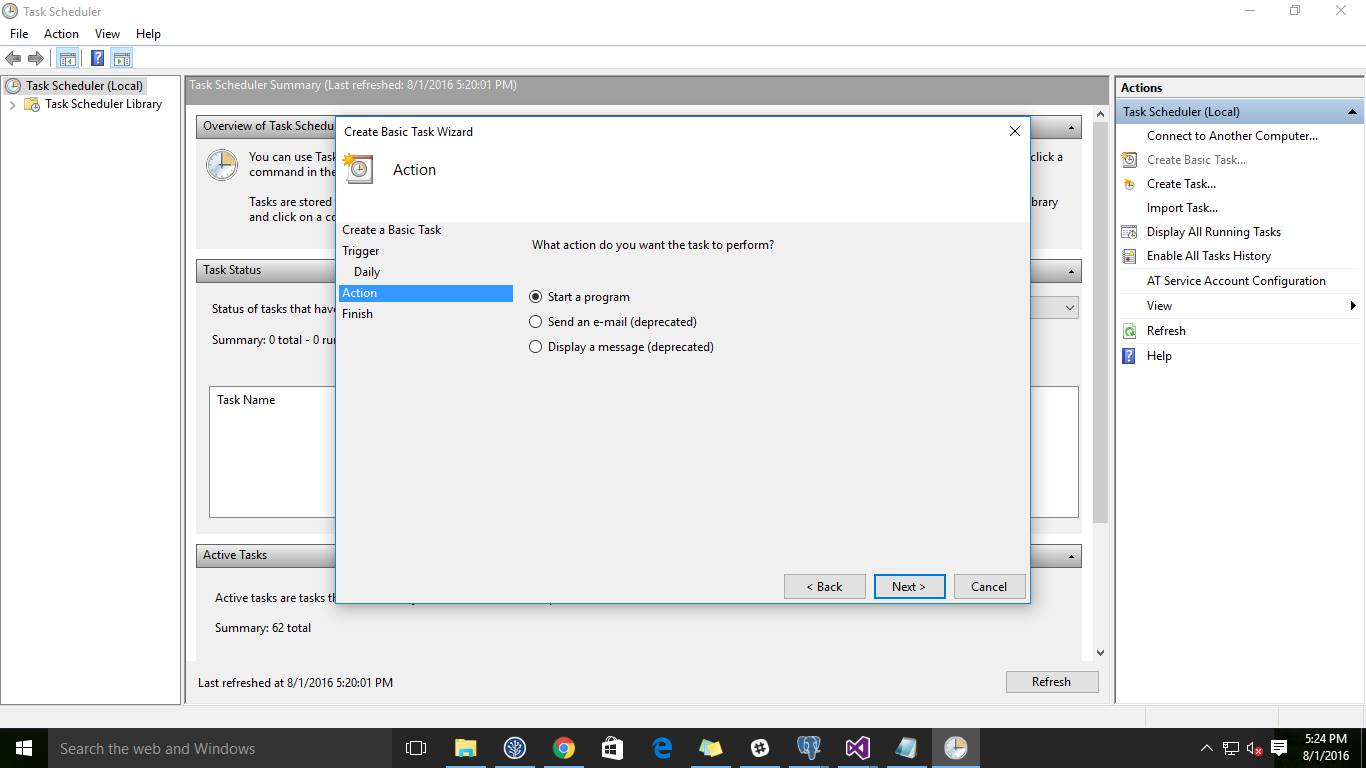
- Pilih Action yang ingin dilakukan.
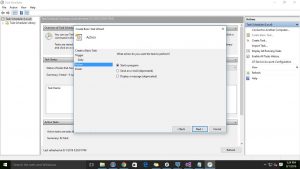
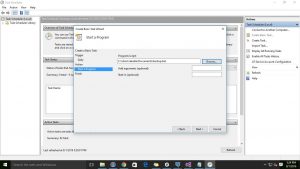
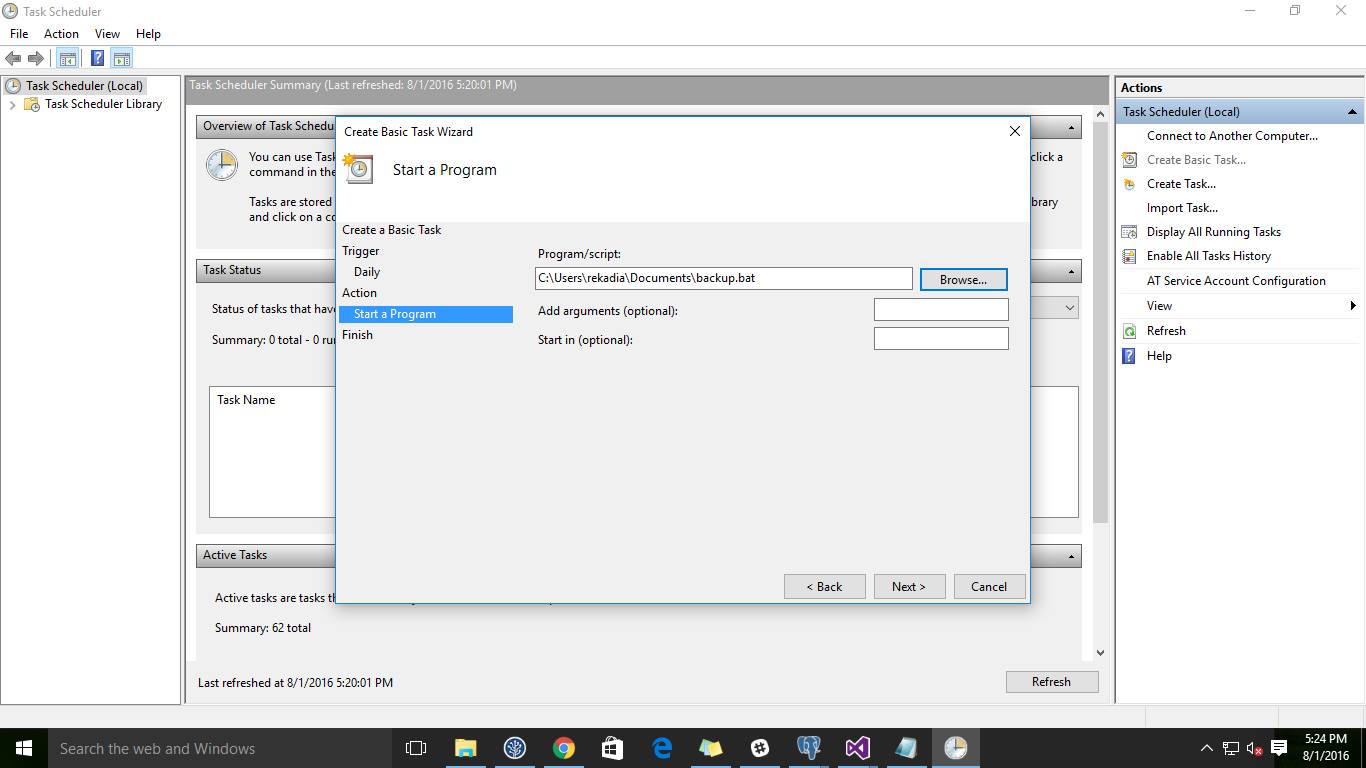
- Pilih direktori program yg ingin dijalankan dalam hal ini pilih program yang sudah anda buat tadi yang bereksstensi (.bat)
- Kemudian Finish
- Secara Otomatis Backup data akan dilakukans ecara otomatis sesuai setting jam yang anda buat
0 people found this article useful
0 people found this article useful
