SSRS dapat berupa native dan integrated sharepoint. Kita dapat meng-embed SSRS di dalam ASP webform menggunakan tools ReportViewer. Cara meng-embed berbeda untuk SSRS native dan integrated sharepoint.
Native
Insert ReportViewer, isi “ReportViewer Tasks”
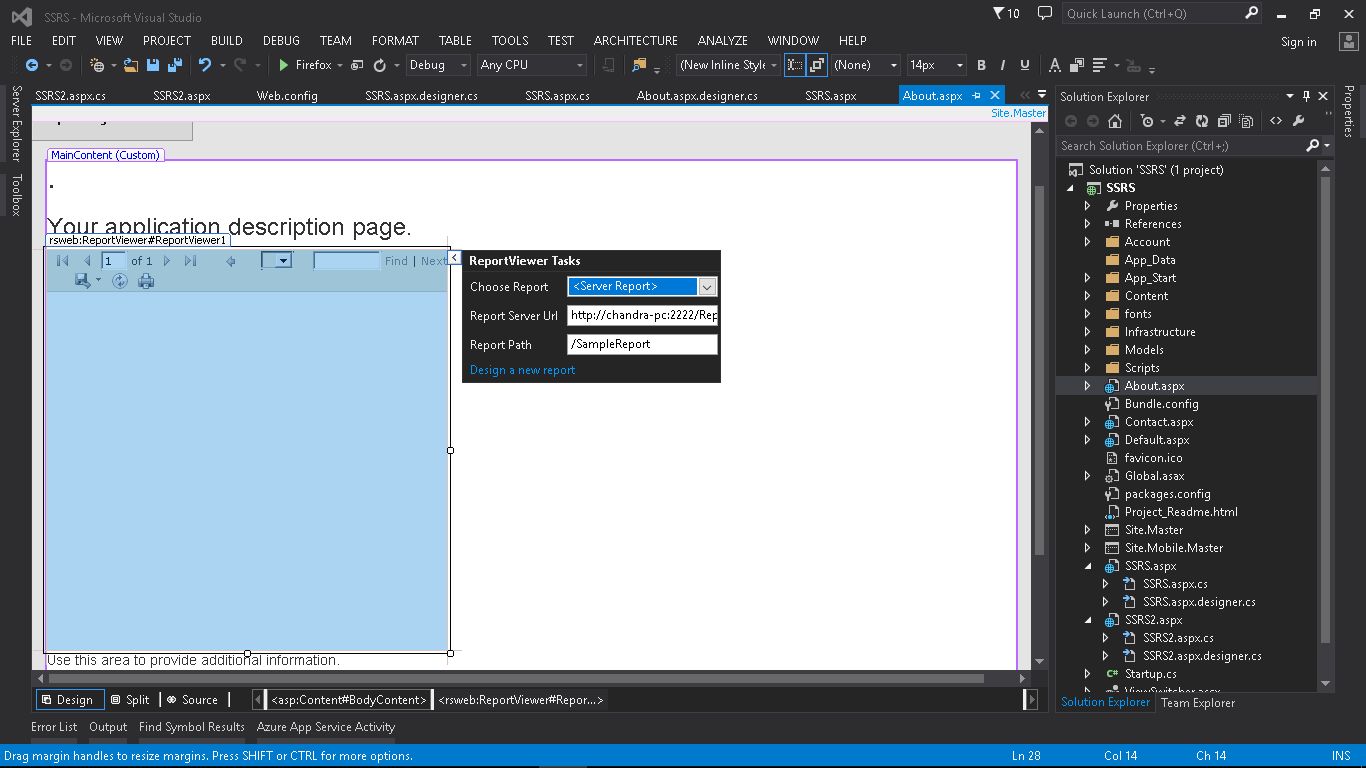
Cara mendapatkan Report Server Url:
1. Buka “SQL Server xxxx Reporting Services Configuration Manager”
2. Buka tab “Web Service Url”
3. Url terdapat pada halaman tersebut
Cara mendapatkan Report Path:
1. Buka “SQL Server xxxx Reporting Services Configuration Manager”
2. Buka tab “Report Manager Url”
3. Buka url pada halaman tersebut menggunakan “Internet Explorer” dengan Administrator mode
4. Pilih report yang diinginkan, lalu tulis path ke isian Report Path berikut foldernya
Integrated Sharepoint
1. Insert ReportViewer, isian pada “ReportViewer Tasks” dikosongkan.
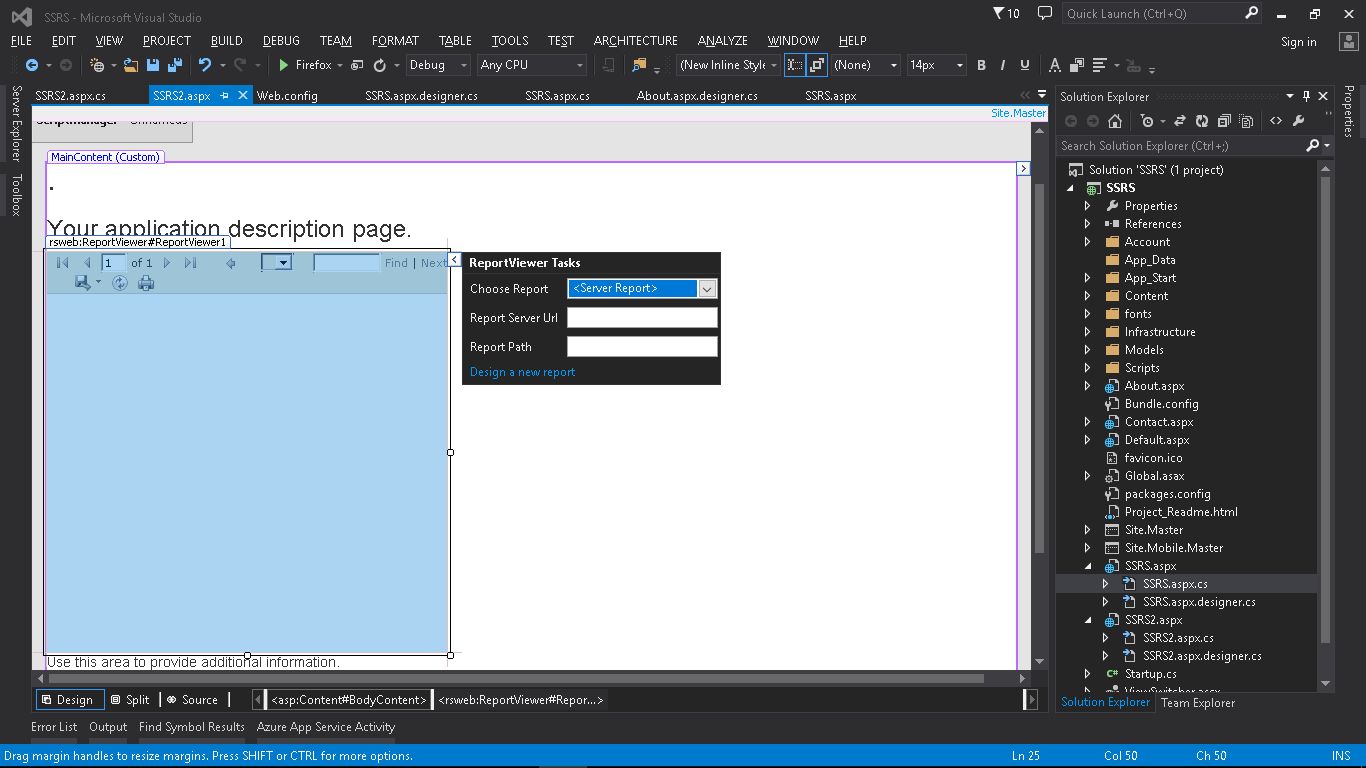
2. Masukan kode berikut pada event Page_Load
[code language=”csharp”]<br data-mce-bogus="1">
string reportsServerUrl = "http://ptmkpwebfesii.pertamina.com:8888/PWA/_vti_bin/ReportServer";
string reportPath = "http://ptmkpwebfesii.pertamina.com:8888/PWA/ProjectBICenter/Sample Reports/DashboardEksekusi.rdl";
if (!Page.IsPostBack)
{
    ServerReport serverReport = ReportViewer1.ServerReport;
    IReportServerCredentials ssrscredentials = new CustomSSRSCredentials("trainee10", "123@ptm", "PERTAMINA");
    serverReport.ReportServerCredentials = ssrscredentials;
    serverReport.ReportServerUrl = new Uri(reportsServerUrl);
    serverReport.ReportPath = reportPath;
    serverReport.Refresh();
}
[/code]
